%20scale(0.09084)'%3e%3cg%20transform='translate(0%2039.5)'%3e%3cpath%20d='M198%20165H806C850%20165%20880%20211%20860%20250L823%20306C804%20335%20774%20337%20734%20337H263C224%20337%20203%20323%20179%20291L154%20257C126%20218%20150%20165%20198%20165Z'/%3e%3cpath%20d='M514%20346C555%20342%20624%20348%20704%20362L719%20365C759%20373%20772%20408%20752%20442L712%20485C684%20519%20655%20527%20613%20518L538%20498C505%20491%20490%20364%20514%20346Z'/%3e%3cpath%20d='M511%20346C464%20361%20414%20405%20384%20455C350%20512%20352%20575%20383%20628C400%20666%20437%20725%20470%20758C487%20787%20531%20787%20547%20758L586%20689C602%20661%20583%20628%20568%20600L514%20509C486%20462%20472%20378%20511%20346Z'/%3e%3c/g%3e%3c/g%3e%3cg%20transform='translate(78.6%2017.6)'%3e%3cpath%20d='M46.5%200.5H0.5V10.5H18.5V47H29V10.5H46.5V0.5Z'%20fill='white'/%3e%3cpath%20d='M49.5%2047V0.5H60V18H86.5V0.5H97V47H86.5V28.5H60V47H49.5Z'%20fill='white'/%3e%3cpath%20d='M148.5%200.5H160.5L175%2018L189%200.5H212.5L232%2033L250.5%200.5H263L236%2047H227.5L201%202L180.5%2029.5V47H169.5V29.5L148.5%200.5Z'%20fill='white'/%3e%3cpath%20d='M264.5%200.5H307.5V11H275V18.5H301V29H275V36.5H307.5V47H264.5V0.5Z'%20fill='white'/%3e%3cpath%20fill-rule='evenodd'%20clip-rule='evenodd'%20d='M101.5%200.5V47H112V32H125.5L138%2047H148.5V43L139%2032C142.167%2031%20148.5%2027.6%20148.5%2022V10.5C148.167%207.16667%20145.8%200.5%20139%200.5H101.5ZM112%2021V10.5H118.75H125.5H138V21H125.5H118.75H112Z'%20fill='white'/%3e%3cpath%20d='M101.5%200.5V47H112V32H125.5L138%2047H148.5V43L139%2032C142.167%2031%20148.5%2027.6%20148.5%2022M101.5%200.5C111.167%200.5%20132.2%200.5%20139%200.5M101.5%200.5H139M148.5%2022C148.5%2016.4%20148.5%2012%20148.5%2010.5M148.5%2022V10.5M148.5%2010.5C148.167%207.16667%20145.8%200.5%20139%200.5M112%2010.5V21H118.75H125.5H138V10.5H125.5H118.75M112%2010.5C112%2010.5%20116.114%2010.5%20118.75%2010.5M112%2010.5H118.75M0.5%200.5H46.5V10.5H29V47H18.5V10.5H0.5V0.5ZM49.5%200.5V47H60V28.5H86.5V47H97V0.5H86.5V18H60V0.5H49.5ZM160.5%200.5H148.5L169.5%2029.5V47H180.5V29.5L201%202L227.5%2047H236L263%200.5H250.5L232%2033L212.5%200.5H189L175%2018L160.5%200.5ZM307.5%200.5H264.5V47H307.5V36.5H275V29H301V18.5H275V11H307.5V0.5Z'%20stroke='white'/%3e%3cpath%20d='M158.5%2053.5H192.5V56.5H158.5V53.5Z'%20fill='white'/%3e%3c/g%3e%3c/svg%3e)
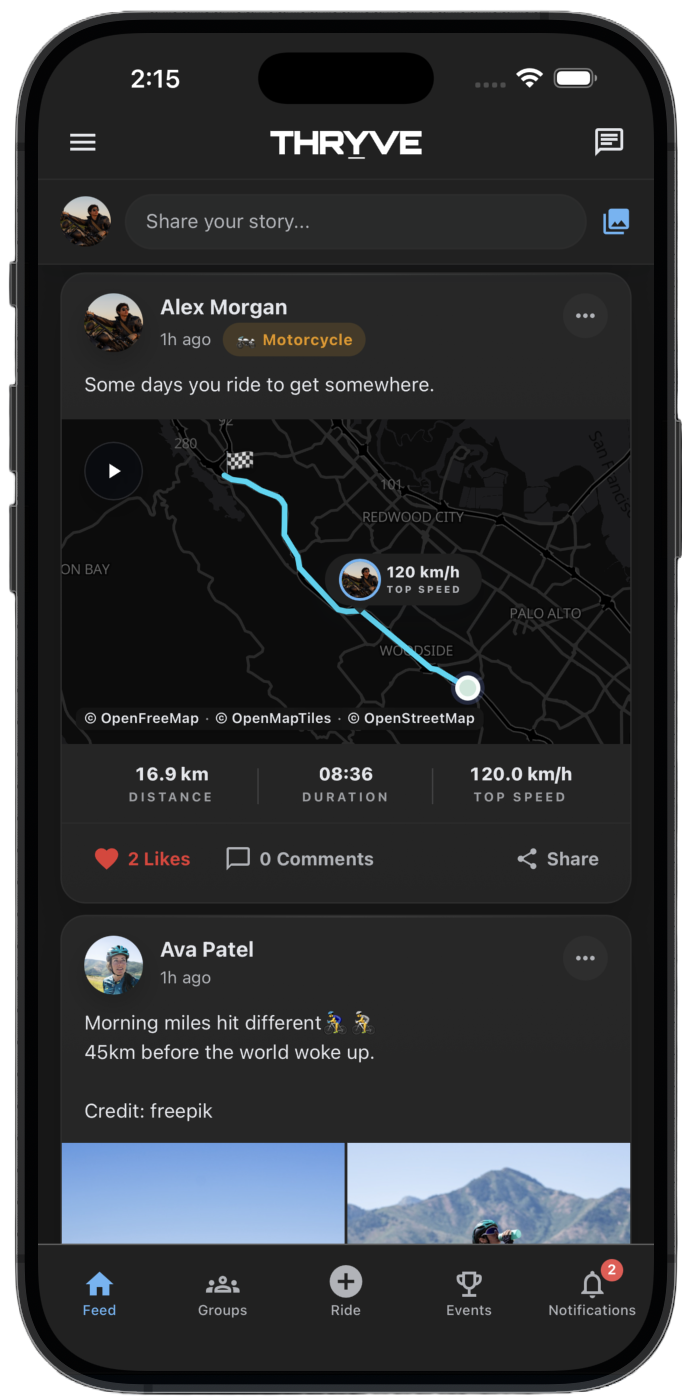
After a ride is saved, you can use THRYVE to share route context with friends, groups, or chats so the next meetup starts with a route everyone can understand.
Save the ride first
End the recording, review the summary, add photos or a caption, and save the activity. Route sharing works best when the ride is fully saved to your account.
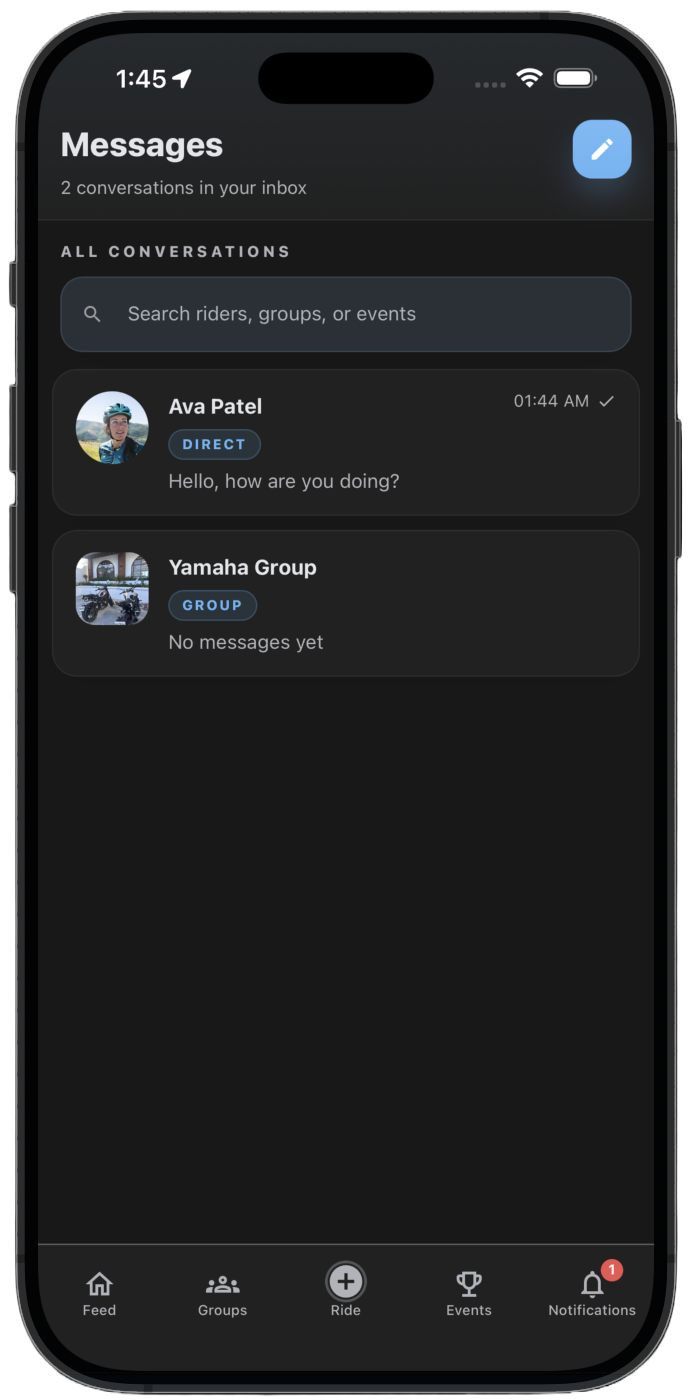
Share route context in chat
Use THRYVE chats to send route attachments and discuss meetup plans. Add notes about stops, road conditions, or route changes so the group has more than a map line.
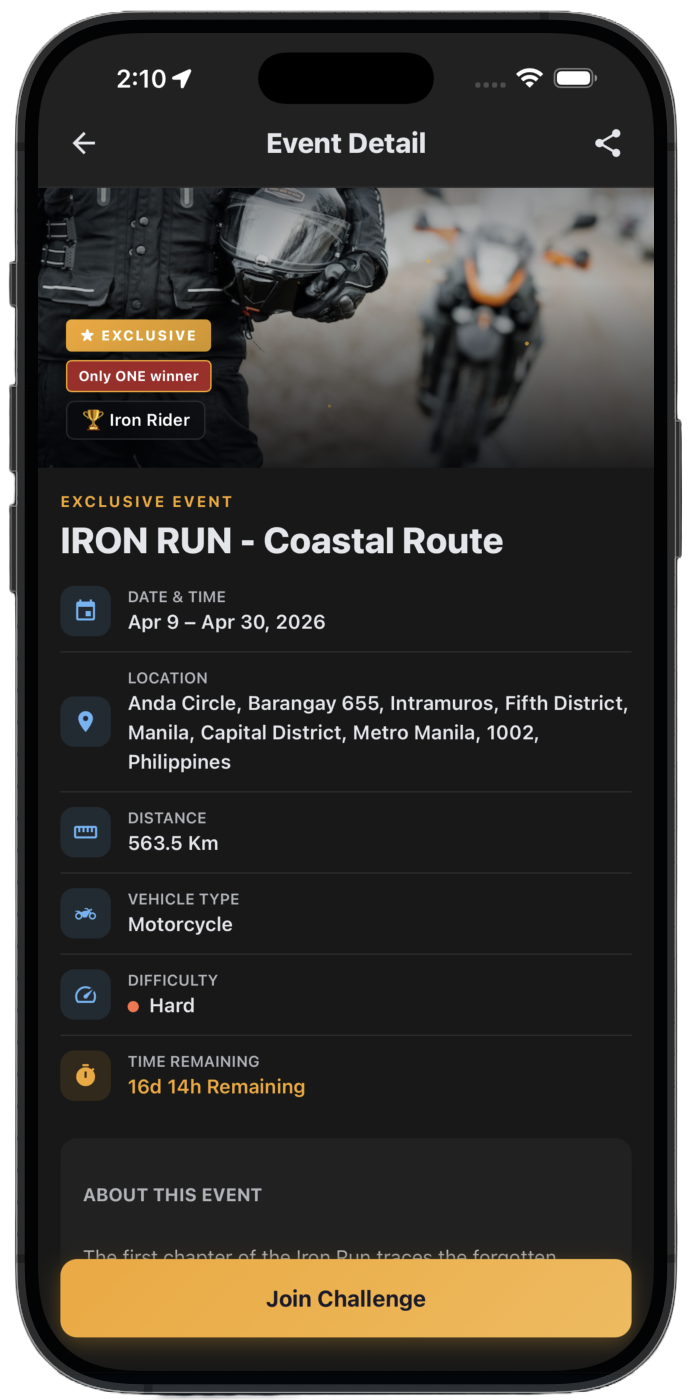
Use routes for groups and events
Saved routes can help your motorcycle crew plan future group rides or compare event submissions with the intended route.