%20scale(0.09084)'%3e%3cg%20transform='translate(0%2039.5)'%3e%3cpath%20d='M198%20165H806C850%20165%20880%20211%20860%20250L823%20306C804%20335%20774%20337%20734%20337H263C224%20337%20203%20323%20179%20291L154%20257C126%20218%20150%20165%20198%20165Z'/%3e%3cpath%20d='M514%20346C555%20342%20624%20348%20704%20362L719%20365C759%20373%20772%20408%20752%20442L712%20485C684%20519%20655%20527%20613%20518L538%20498C505%20491%20490%20364%20514%20346Z'/%3e%3cpath%20d='M511%20346C464%20361%20414%20405%20384%20455C350%20512%20352%20575%20383%20628C400%20666%20437%20725%20470%20758C487%20787%20531%20787%20547%20758L586%20689C602%20661%20583%20628%20568%20600L514%20509C486%20462%20472%20378%20511%20346Z'/%3e%3c/g%3e%3c/g%3e%3cg%20transform='translate(78.6%2017.6)'%3e%3cpath%20d='M46.5%200.5H0.5V10.5H18.5V47H29V10.5H46.5V0.5Z'%20fill='white'/%3e%3cpath%20d='M49.5%2047V0.5H60V18H86.5V0.5H97V47H86.5V28.5H60V47H49.5Z'%20fill='white'/%3e%3cpath%20d='M148.5%200.5H160.5L175%2018L189%200.5H212.5L232%2033L250.5%200.5H263L236%2047H227.5L201%202L180.5%2029.5V47H169.5V29.5L148.5%200.5Z'%20fill='white'/%3e%3cpath%20d='M264.5%200.5H307.5V11H275V18.5H301V29H275V36.5H307.5V47H264.5V0.5Z'%20fill='white'/%3e%3cpath%20fill-rule='evenodd'%20clip-rule='evenodd'%20d='M101.5%200.5V47H112V32H125.5L138%2047H148.5V43L139%2032C142.167%2031%20148.5%2027.6%20148.5%2022V10.5C148.167%207.16667%20145.8%200.5%20139%200.5H101.5ZM112%2021V10.5H118.75H125.5H138V21H125.5H118.75H112Z'%20fill='white'/%3e%3cpath%20d='M101.5%200.5V47H112V32H125.5L138%2047H148.5V43L139%2032C142.167%2031%20148.5%2027.6%20148.5%2022M101.5%200.5C111.167%200.5%20132.2%200.5%20139%200.5M101.5%200.5H139M148.5%2022C148.5%2016.4%20148.5%2012%20148.5%2010.5M148.5%2022V10.5M148.5%2010.5C148.167%207.16667%20145.8%200.5%20139%200.5M112%2010.5V21H118.75H125.5H138V10.5H125.5H118.75M112%2010.5C112%2010.5%20116.114%2010.5%20118.75%2010.5M112%2010.5H118.75M0.5%200.5H46.5V10.5H29V47H18.5V10.5H0.5V0.5ZM49.5%200.5V47H60V28.5H86.5V47H97V0.5H86.5V18H60V0.5H49.5ZM160.5%200.5H148.5L169.5%2029.5V47H180.5V29.5L201%202L227.5%2047H236L263%200.5H250.5L232%2033L212.5%200.5H189L175%2018L160.5%200.5ZM307.5%200.5H264.5V47H307.5V36.5H275V29H301V18.5H275V11H307.5V0.5Z'%20stroke='white'/%3e%3cpath%20d='M158.5%2053.5H192.5V56.5H158.5V53.5Z'%20fill='white'/%3e%3c/g%3e%3c/svg%3e)
Car guide
How to Record a Car Drive
Learn how to record a car drive with THRYVE Communities, including your route, distance, speed, duration, drive history, photos, and vehicle profile.
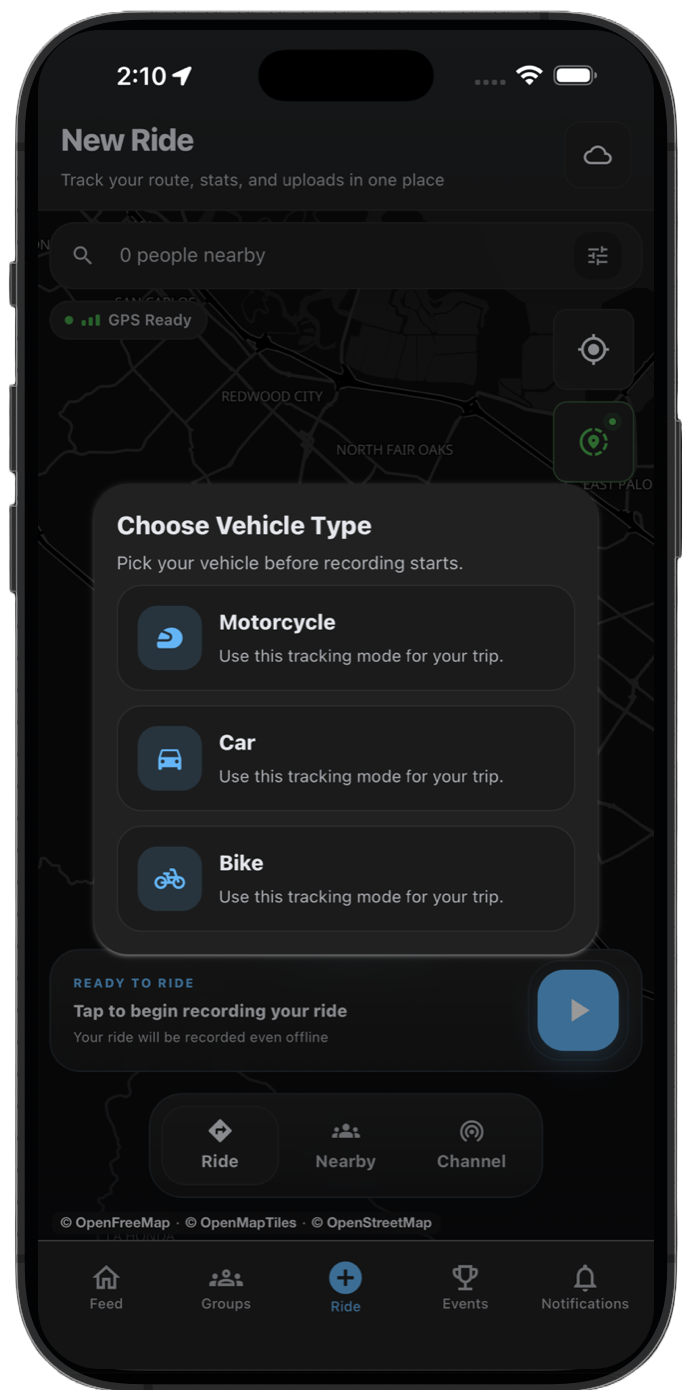
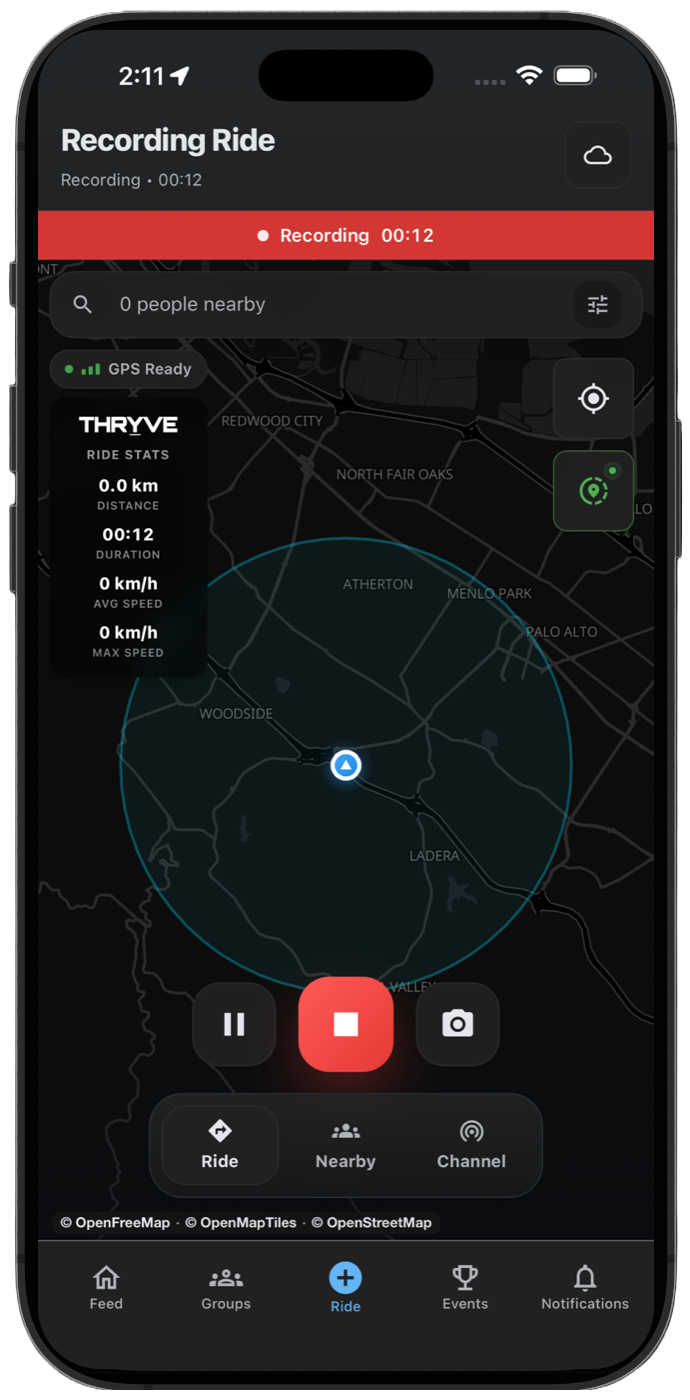
You can use THRYVE Communities to record a car drive with your phone GPS. Your route, distance, duration, speed, drive history, and photos are saved to your THRYVE account so you can review and share the drive later.
THRYVE works for road trips, weekend drives, car meets, club cruises, high-end cars, luxury cars, sports cars, performance builds, and collector vehicles. The goal is simple: save the route, remember the drive, and keep your car community connected.
Before Starting Your Car Drive
Open THRYVE before you leave and confirm location permissions are enabled. Precise location helps the app save a cleaner route, especially on highways, mountain roads, and city drives.
For longer road trips or club cruises, check battery level and let THRYVE keep running in the background. This is useful when your phone is locked, mounted, or connected to your car audio.
- Enable location permissions for THRYVE.
- Allow precise location for cleaner route tracking.
- Keep enough battery for long drives.
- Start recording before leaving the meetup point.
Start Recording in THRYVE
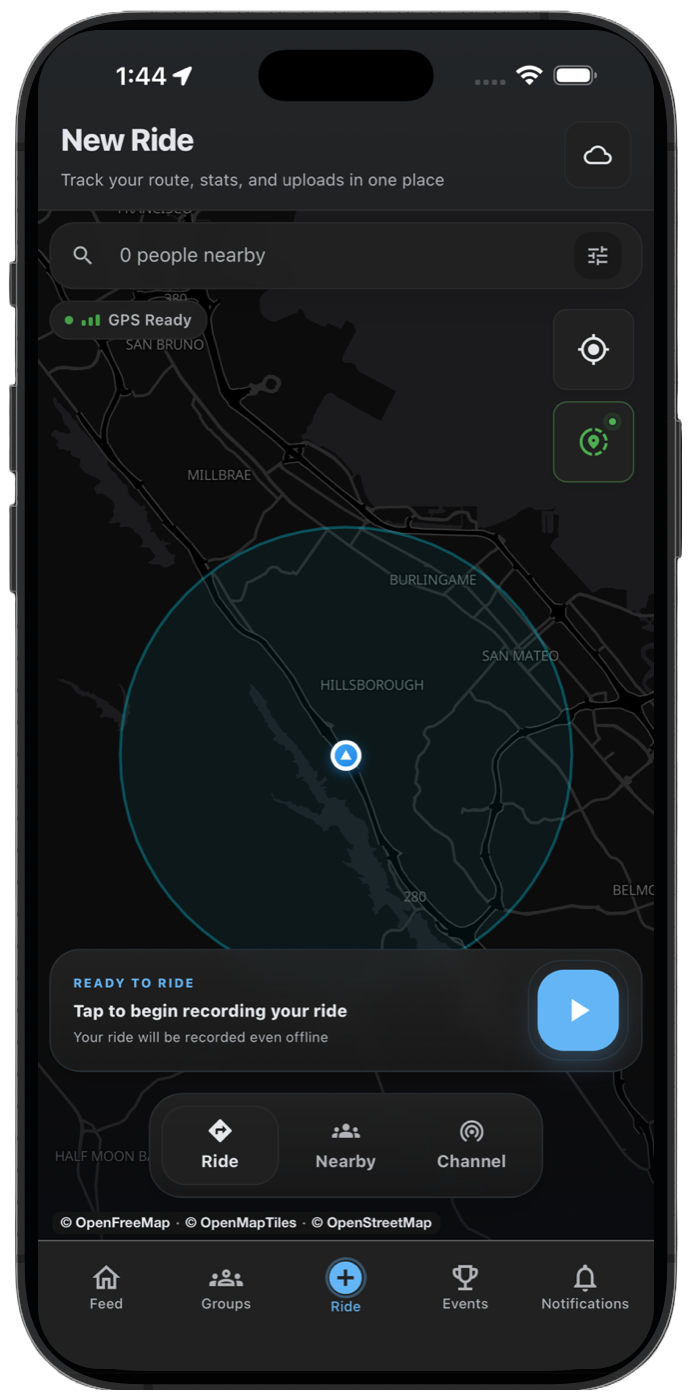
Tap the center button on the bottom tab bar, wait for GPS, then tap Start and choose Car. THRYVE begins tracking your route, distance, drive time, and speed.
For car meets, club cruises, road trips, or high-end car gatherings, start the recording before the convoy leaves so the entire drive is saved.
- Open THRYVE and go to the ride recording screen.
- Check that location permission is active.
- Tap Start, then select Car when the drive begins.
- Keep THRYVE recording until the route is complete.
View Live Route and Drive Stats
During the drive, THRYVE shows your route and live stats. You can review distance, duration, current speed, max speed, and location while the activity is running.
Those details are useful for weekend drives, canyon routes, road trips, and performance car routes you may want to repeat later.
- Route trace
- Distance
- Duration
- Current speed
- Max speed
- Start and end points
Pause, Resume, and Finish
Pause when you stop for fuel, charging, photos, food, or a meetup. Resume before continuing so the saved route stays accurate.
When the drive is complete, end the activity, review the summary, then add photos and a caption before saving.
- Tap Pause during stops you do not want counted.
- Tap Resume before driving again.
- Tap End when the drive is finished.
- Add photos or a caption, then save the activity.
Review Drive History and Share the Route
Saved car drives appear in THRYVE activity history. You can revisit past road trips, share route attachments in chat, or use a saved route as a reference for another club cruise.
For car communities, this makes it easier to coordinate the next route without losing the details from a previous drive.
Add Your Car to Garage
The Garage lets you add cars with photos, make, model, and year. It works for daily drivers, luxury cars, sports cars, performance builds, project cars, and collector vehicles.
If you own multiple cars, add each one and keep your active vehicle updated so your profile reflects the drive you are sharing.
Troubleshooting Car GPS Recording
If your car route has gaps or straight lines, check location permission, precise location, battery settings, and GPS signal. Parking structures, tunnels, dense buildings, and weak signal areas can affect the route.
THRYVE can continue recording when internet access drops and sync later when your connection returns.
- Turn precise location on.
- Allow background location while recording.
- Avoid starting in covered parking or underground garages.
- Keep THRYVE updated before long drives or club events.
Common questions
Can THRYVE track car drives and road trips?
Yes. THRYVE records car routes with GPS and saves distance, duration, speed, photos, and drive history to your account.
Can I use THRYVE for high-end cars or car clubs?
Yes. THRYVE works for luxury cars, sports cars, performance cars, collector vehicles, and mixed car communities.
Can I share a recorded car route?
Yes. After saving a drive, you can share route attachments in THRYVE chats or use the route as a reference for future meetups.