%20scale(0.09084)'%3e%3cg%20transform='translate(0%2039.5)'%3e%3cpath%20d='M198%20165H806C850%20165%20880%20211%20860%20250L823%20306C804%20335%20774%20337%20734%20337H263C224%20337%20203%20323%20179%20291L154%20257C126%20218%20150%20165%20198%20165Z'/%3e%3cpath%20d='M514%20346C555%20342%20624%20348%20704%20362L719%20365C759%20373%20772%20408%20752%20442L712%20485C684%20519%20655%20527%20613%20518L538%20498C505%20491%20490%20364%20514%20346Z'/%3e%3cpath%20d='M511%20346C464%20361%20414%20405%20384%20455C350%20512%20352%20575%20383%20628C400%20666%20437%20725%20470%20758C487%20787%20531%20787%20547%20758L586%20689C602%20661%20583%20628%20568%20600L514%20509C486%20462%20472%20378%20511%20346Z'/%3e%3c/g%3e%3c/g%3e%3cg%20transform='translate(78.6%2017.6)'%3e%3cpath%20d='M46.5%200.5H0.5V10.5H18.5V47H29V10.5H46.5V0.5Z'%20fill='white'/%3e%3cpath%20d='M49.5%2047V0.5H60V18H86.5V0.5H97V47H86.5V28.5H60V47H49.5Z'%20fill='white'/%3e%3cpath%20d='M148.5%200.5H160.5L175%2018L189%200.5H212.5L232%2033L250.5%200.5H263L236%2047H227.5L201%202L180.5%2029.5V47H169.5V29.5L148.5%200.5Z'%20fill='white'/%3e%3cpath%20d='M264.5%200.5H307.5V11H275V18.5H301V29H275V36.5H307.5V47H264.5V0.5Z'%20fill='white'/%3e%3cpath%20fill-rule='evenodd'%20clip-rule='evenodd'%20d='M101.5%200.5V47H112V32H125.5L138%2047H148.5V43L139%2032C142.167%2031%20148.5%2027.6%20148.5%2022V10.5C148.167%207.16667%20145.8%200.5%20139%200.5H101.5ZM112%2021V10.5H118.75H125.5H138V21H125.5H118.75H112Z'%20fill='white'/%3e%3cpath%20d='M101.5%200.5V47H112V32H125.5L138%2047H148.5V43L139%2032C142.167%2031%20148.5%2027.6%20148.5%2022M101.5%200.5C111.167%200.5%20132.2%200.5%20139%200.5M101.5%200.5H139M148.5%2022C148.5%2016.4%20148.5%2012%20148.5%2010.5M148.5%2022V10.5M148.5%2010.5C148.167%207.16667%20145.8%200.5%20139%200.5M112%2010.5V21H118.75H125.5H138V10.5H125.5H118.75M112%2010.5C112%2010.5%20116.114%2010.5%20118.75%2010.5M112%2010.5H118.75M0.5%200.5H46.5V10.5H29V47H18.5V10.5H0.5V0.5ZM49.5%200.5V47H60V28.5H86.5V47H97V0.5H86.5V18H60V0.5H49.5ZM160.5%200.5H148.5L169.5%2029.5V47H180.5V29.5L201%202L227.5%2047H236L263%200.5H250.5L232%2033L212.5%200.5H189L175%2018L160.5%200.5ZM307.5%200.5H264.5V47H307.5V36.5H275V29H301V18.5H275V11H307.5V0.5Z'%20stroke='white'/%3e%3cpath%20d='M158.5%2053.5H192.5V56.5H158.5V53.5Z'%20fill='white'/%3e%3c/g%3e%3c/svg%3e)
Long ride recording uses GPS, screen time, and background activity. A few phone settings can make the recording more reliable without draining your battery too quickly.
Before the ride
Charge your phone before long routes and close apps you do not need. If the route matters, avoid starting with a low battery.
- Charge before long rides.
- Bring a power bank or bike charger for extended routes.
- Dim the screen when safe.
- Start recording only when the ride begins.
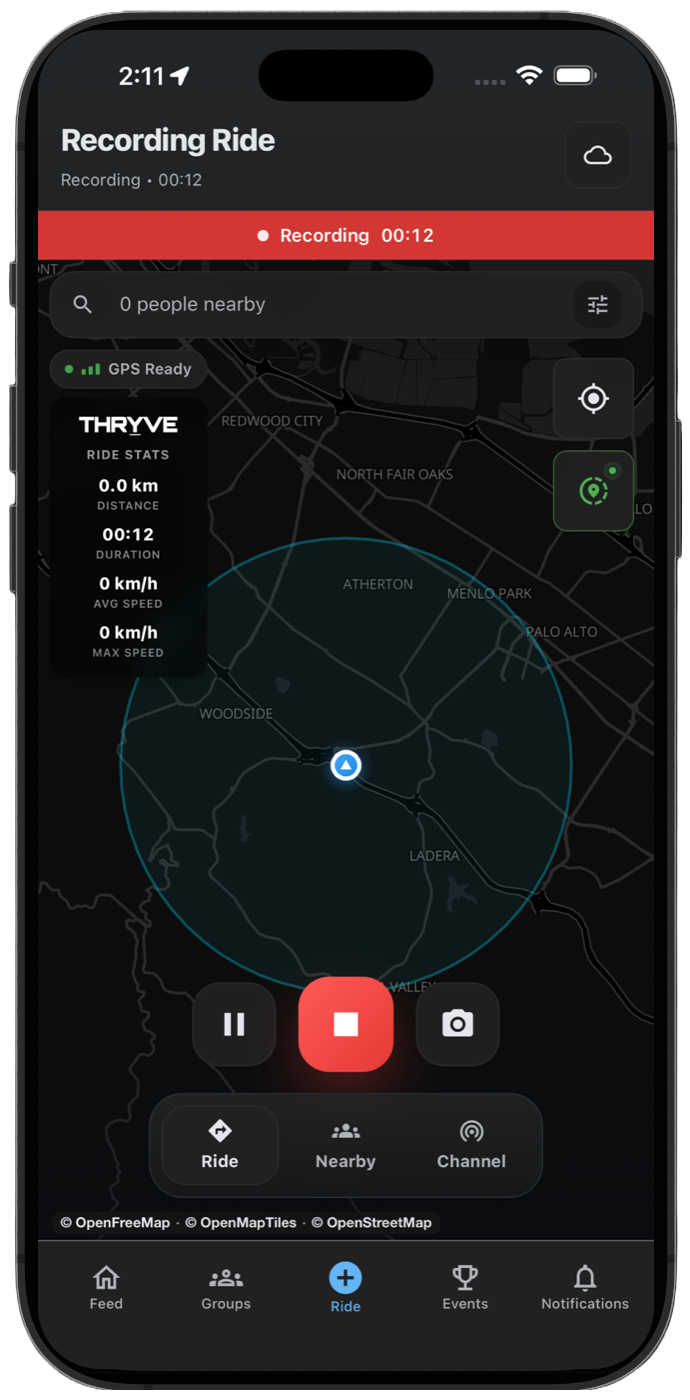
Android battery settings
Android battery optimization can stop background activity. Set THRYVE to unrestricted or not optimized for important rides so recording can continue when the screen locks.
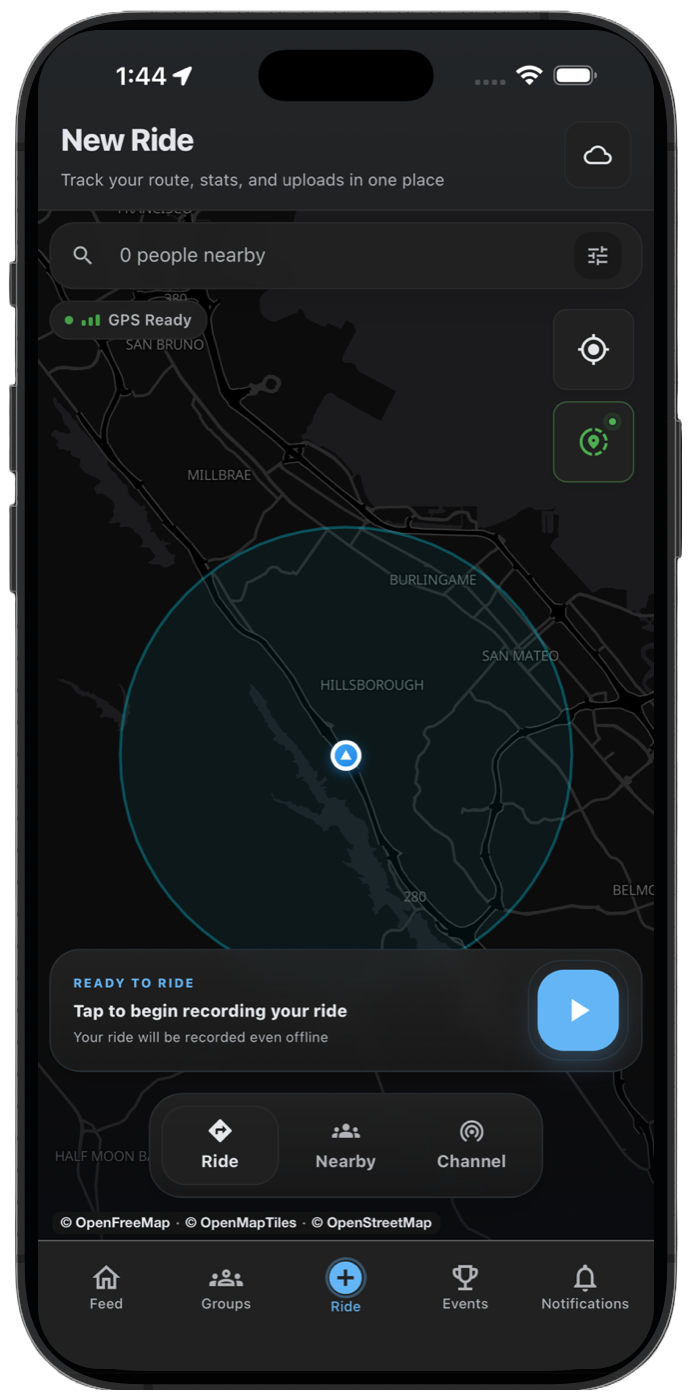
iPhone battery settings
On iPhone, avoid force-quitting THRYVE while recording. Low Power Mode may reduce background activity, so charge before longer rides when possible.