%20scale(0.09084)'%3e%3cg%20transform='translate(0%2039.5)'%3e%3cpath%20d='M198%20165H806C850%20165%20880%20211%20860%20250L823%20306C804%20335%20774%20337%20734%20337H263C224%20337%20203%20323%20179%20291L154%20257C126%20218%20150%20165%20198%20165Z'/%3e%3cpath%20d='M514%20346C555%20342%20624%20348%20704%20362L719%20365C759%20373%20772%20408%20752%20442L712%20485C684%20519%20655%20527%20613%20518L538%20498C505%20491%20490%20364%20514%20346Z'/%3e%3cpath%20d='M511%20346C464%20361%20414%20405%20384%20455C350%20512%20352%20575%20383%20628C400%20666%20437%20725%20470%20758C487%20787%20531%20787%20547%20758L586%20689C602%20661%20583%20628%20568%20600L514%20509C486%20462%20472%20378%20511%20346Z'/%3e%3c/g%3e%3c/g%3e%3cg%20transform='translate(78.6%2017.6)'%3e%3cpath%20d='M46.5%200.5H0.5V10.5H18.5V47H29V10.5H46.5V0.5Z'%20fill='white'/%3e%3cpath%20d='M49.5%2047V0.5H60V18H86.5V0.5H97V47H86.5V28.5H60V47H49.5Z'%20fill='white'/%3e%3cpath%20d='M148.5%200.5H160.5L175%2018L189%200.5H212.5L232%2033L250.5%200.5H263L236%2047H227.5L201%202L180.5%2029.5V47H169.5V29.5L148.5%200.5Z'%20fill='white'/%3e%3cpath%20d='M264.5%200.5H307.5V11H275V18.5H301V29H275V36.5H307.5V47H264.5V0.5Z'%20fill='white'/%3e%3cpath%20fill-rule='evenodd'%20clip-rule='evenodd'%20d='M101.5%200.5V47H112V32H125.5L138%2047H148.5V43L139%2032C142.167%2031%20148.5%2027.6%20148.5%2022V10.5C148.167%207.16667%20145.8%200.5%20139%200.5H101.5ZM112%2021V10.5H118.75H125.5H138V21H125.5H118.75H112Z'%20fill='white'/%3e%3cpath%20d='M101.5%200.5V47H112V32H125.5L138%2047H148.5V43L139%2032C142.167%2031%20148.5%2027.6%20148.5%2022M101.5%200.5C111.167%200.5%20132.2%200.5%20139%200.5M101.5%200.5H139M148.5%2022C148.5%2016.4%20148.5%2012%20148.5%2010.5M148.5%2022V10.5M148.5%2010.5C148.167%207.16667%20145.8%200.5%20139%200.5M112%2010.5V21H118.75H125.5H138V10.5H125.5H118.75M112%2010.5C112%2010.5%20116.114%2010.5%20118.75%2010.5M112%2010.5H118.75M0.5%200.5H46.5V10.5H29V47H18.5V10.5H0.5V0.5ZM49.5%200.5V47H60V28.5H86.5V47H97V0.5H86.5V18H60V0.5H49.5ZM160.5%200.5H148.5L169.5%2029.5V47H180.5V29.5L201%202L227.5%2047H236L263%200.5H250.5L232%2033L212.5%200.5H189L175%2018L160.5%200.5ZM307.5%200.5H264.5V47H307.5V36.5H275V29H301V18.5H275V11H307.5V0.5Z'%20stroke='white'/%3e%3cpath%20d='M158.5%2053.5H192.5V56.5H158.5V53.5Z'%20fill='white'/%3e%3c/g%3e%3c/svg%3e)
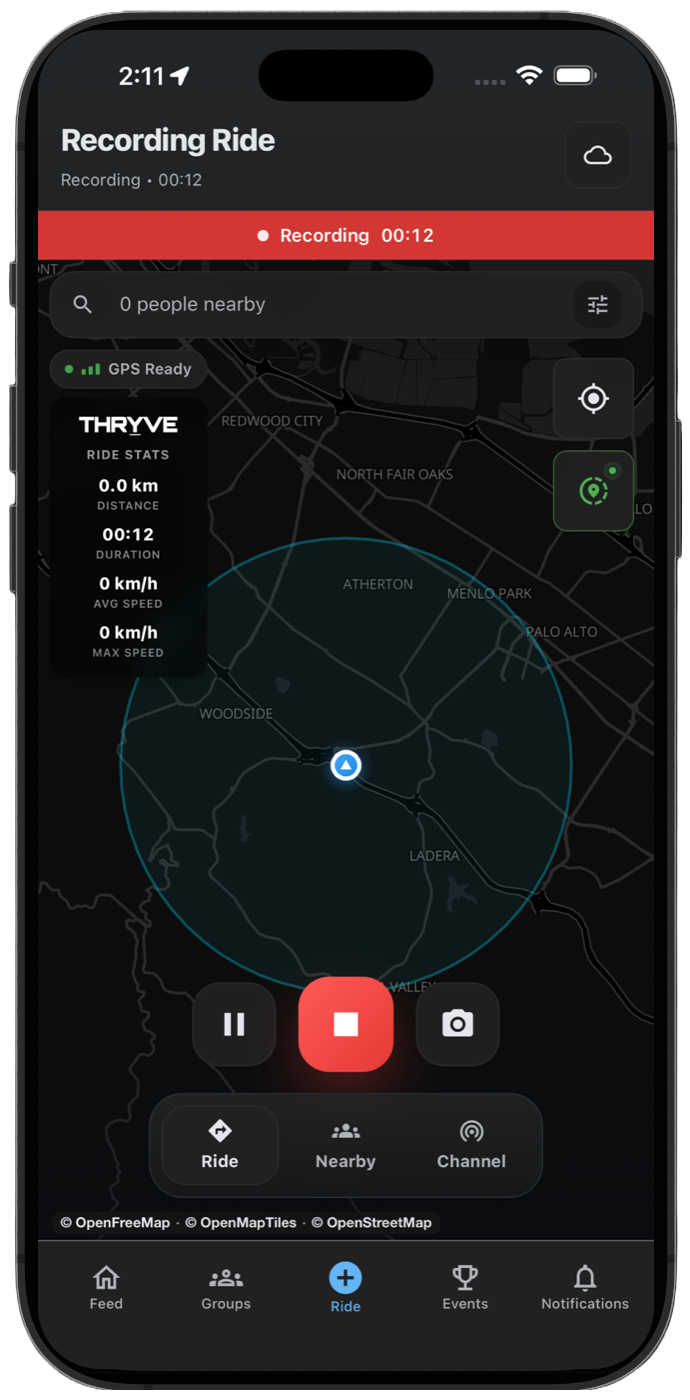
Background ride tracking helps THRYVE keep recording when your screen is locked, your phone is mounted, or you briefly switch apps during a motorcycle ride.
Use these Android and iPhone checks before long rides, group rides, and event submissions so your route is less likely to have gaps.
Android background recording checks
Open your Android location settings and make sure THRYVE can use location while recording. If your phone offers precise location, keep it enabled for a cleaner GPS route.
Battery optimization can stop apps during long rides. Before important routes, set THRYVE to unrestricted or not optimized in your battery settings.
- Allow location access for THRYVE.
- Turn precise location on.
- Set THRYVE battery usage to unrestricted or not optimized.
- Avoid closing THRYVE from recent apps while recording.
iPhone background recording checks
On iPhone, keep location access and precise location enabled for THRYVE. Do not force-quit the app while a ride is being recorded.
Low Power Mode can reduce background activity. If the route matters, charge before riding or carry enough battery for the full route.
- Allow location access for THRYVE.
- Keep precise location on.
- Avoid force-quitting THRYVE during a ride.
- Watch Low Power Mode during longer rides.
How to tell if background tracking failed
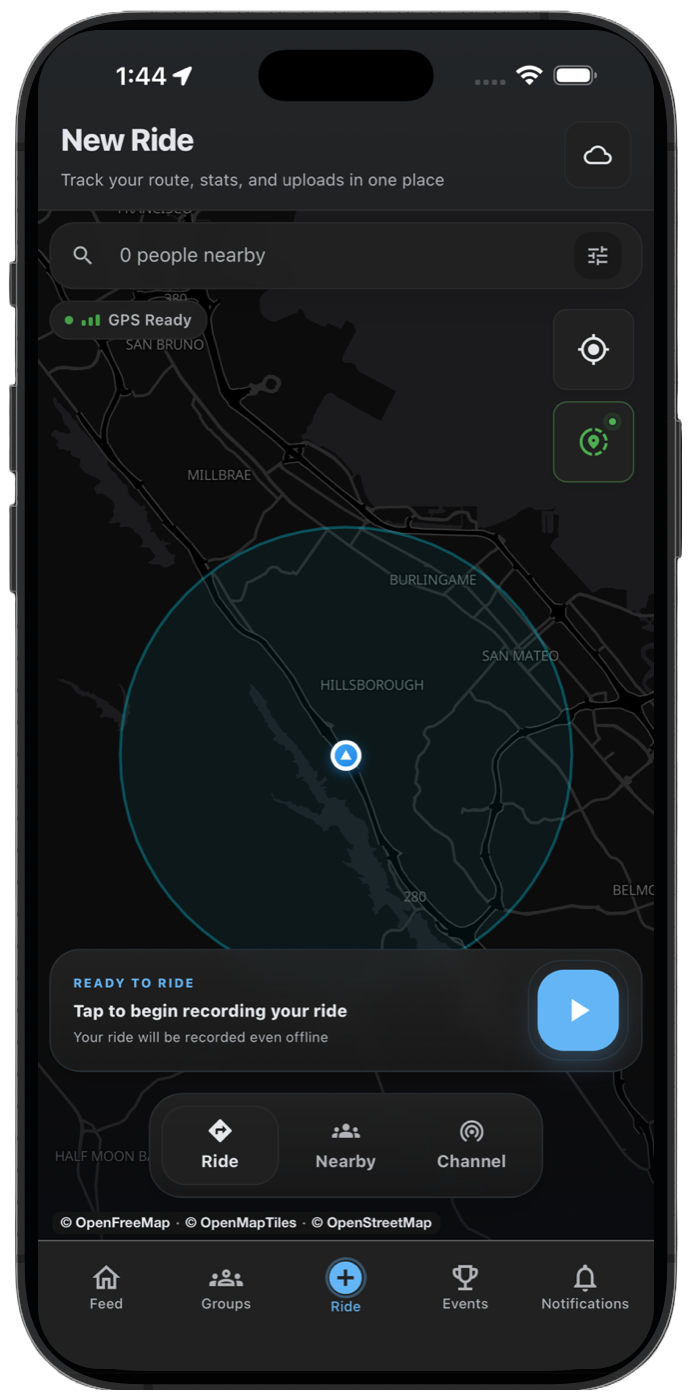
A background tracking issue often appears as a missing route section, a straight line between two points, or a ride that stops updating after the screen locks.
If that happens, review GPS signal, battery restrictions, and whether THRYVE stayed open while recording.