%20scale(0.09084)'%3e%3cg%20transform='translate(0%2039.5)'%3e%3cpath%20d='M198%20165H806C850%20165%20880%20211%20860%20250L823%20306C804%20335%20774%20337%20734%20337H263C224%20337%20203%20323%20179%20291L154%20257C126%20218%20150%20165%20198%20165Z'/%3e%3cpath%20d='M514%20346C555%20342%20624%20348%20704%20362L719%20365C759%20373%20772%20408%20752%20442L712%20485C684%20519%20655%20527%20613%20518L538%20498C505%20491%20490%20364%20514%20346Z'/%3e%3cpath%20d='M511%20346C464%20361%20414%20405%20384%20455C350%20512%20352%20575%20383%20628C400%20666%20437%20725%20470%20758C487%20787%20531%20787%20547%20758L586%20689C602%20661%20583%20628%20568%20600L514%20509C486%20462%20472%20378%20511%20346Z'/%3e%3c/g%3e%3c/g%3e%3cg%20transform='translate(78.6%2017.6)'%3e%3cpath%20d='M46.5%200.5H0.5V10.5H18.5V47H29V10.5H46.5V0.5Z'%20fill='white'/%3e%3cpath%20d='M49.5%2047V0.5H60V18H86.5V0.5H97V47H86.5V28.5H60V47H49.5Z'%20fill='white'/%3e%3cpath%20d='M148.5%200.5H160.5L175%2018L189%200.5H212.5L232%2033L250.5%200.5H263L236%2047H227.5L201%202L180.5%2029.5V47H169.5V29.5L148.5%200.5Z'%20fill='white'/%3e%3cpath%20d='M264.5%200.5H307.5V11H275V18.5H301V29H275V36.5H307.5V47H264.5V0.5Z'%20fill='white'/%3e%3cpath%20fill-rule='evenodd'%20clip-rule='evenodd'%20d='M101.5%200.5V47H112V32H125.5L138%2047H148.5V43L139%2032C142.167%2031%20148.5%2027.6%20148.5%2022V10.5C148.167%207.16667%20145.8%200.5%20139%200.5H101.5ZM112%2021V10.5H118.75H125.5H138V21H125.5H118.75H112Z'%20fill='white'/%3e%3cpath%20d='M101.5%200.5V47H112V32H125.5L138%2047H148.5V43L139%2032C142.167%2031%20148.5%2027.6%20148.5%2022M101.5%200.5C111.167%200.5%20132.2%200.5%20139%200.5M101.5%200.5H139M148.5%2022C148.5%2016.4%20148.5%2012%20148.5%2010.5M148.5%2022V10.5M148.5%2010.5C148.167%207.16667%20145.8%200.5%20139%200.5M112%2010.5V21H118.75H125.5H138V10.5H125.5H118.75M112%2010.5C112%2010.5%20116.114%2010.5%20118.75%2010.5M112%2010.5H118.75M0.5%200.5H46.5V10.5H29V47H18.5V10.5H0.5V0.5ZM49.5%200.5V47H60V28.5H86.5V47H97V0.5H86.5V18H60V0.5H49.5ZM160.5%200.5H148.5L169.5%2029.5V47H180.5V29.5L201%202L227.5%2047H236L263%200.5H250.5L232%2033L212.5%200.5H189L175%2018L160.5%200.5ZM307.5%200.5H264.5V47H307.5V36.5H275V29H301V18.5H275V11H307.5V0.5Z'%20stroke='white'/%3e%3cpath%20d='M158.5%2053.5H192.5V56.5H158.5V53.5Z'%20fill='white'/%3e%3c/g%3e%3c/svg%3e)
Missing route sections or straight GPS lines usually mean your phone lost GPS signal, paused background location, or restricted THRYVE while the ride was recording.
Use these checks before repeating the route or submitting a ride for an event.
Check location and precise GPS
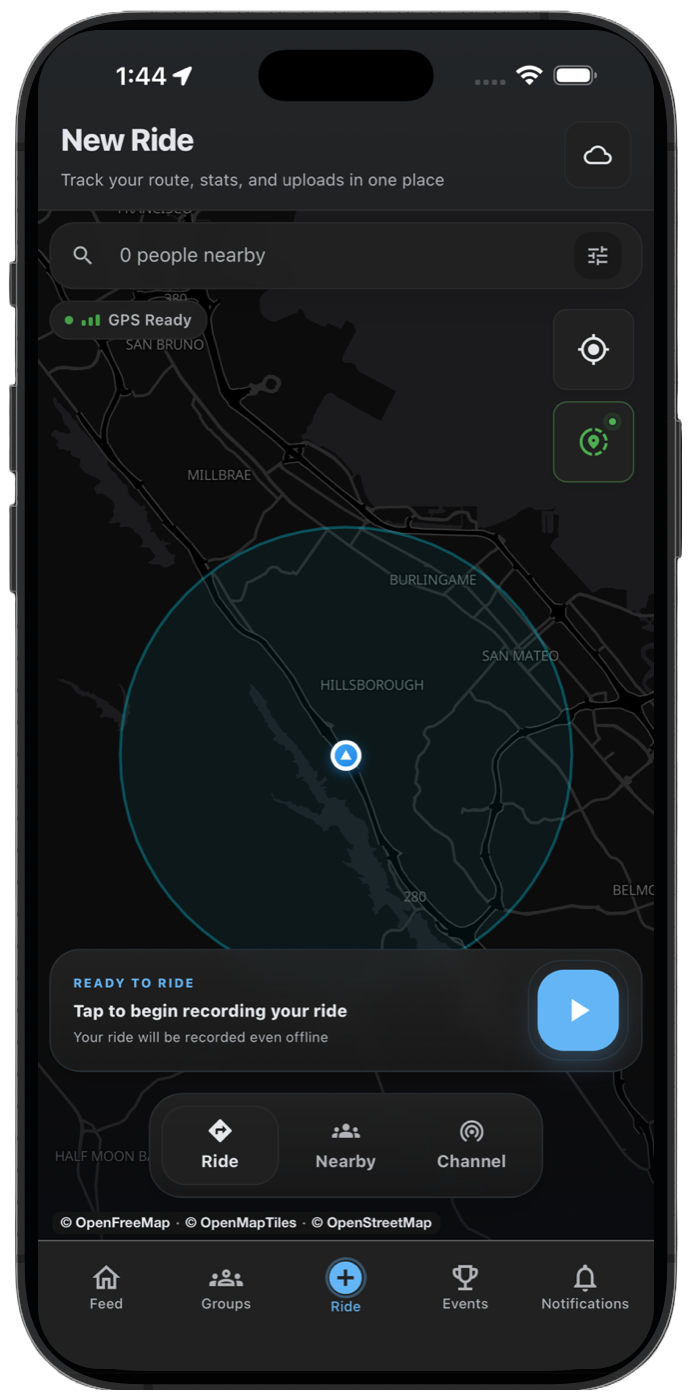
Make sure THRYVE has location access and precise location is enabled. Starting inside a covered garage, tunnel, or dense building area can make the first part of the route less accurate.
- Start recording outdoors when possible.
- Wait for GPS to settle before moving.
- Keep precise location on.
- Keep the phone in an open position and avoid enclosing it inside a metal compartment while recording.
Check background and battery settings
If the route is clean while THRYVE is open but breaks when the screen locks, background or battery settings are the likely cause.
Check offline sync
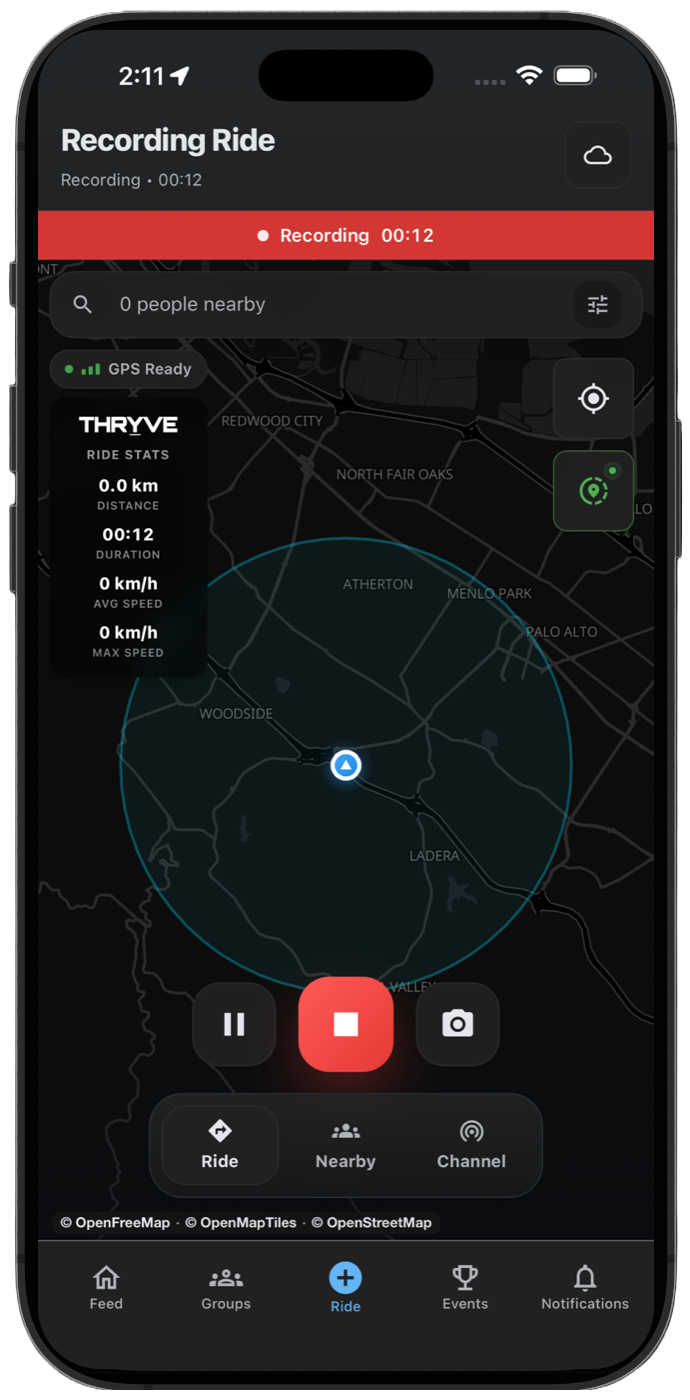
If internet access dropped, THRYVE can still save the activity on your device and sync later. Keep the app installed and reconnect before assuming the ride is gone.